Powerful Features for Modern Events
Everything you need to collect, organize, and share event memories seamlessly
Dynamic QR Codes for Every Event
Each event gets a unique, customizable QR code that directs guests to your personalized upload page.
- Unique per event - Never worry about code collisions
- High-resolution download - Perfect for printing on invitations
- Custom colors - Match your event's branding
- Embed logo - Add your event logo to the QR code
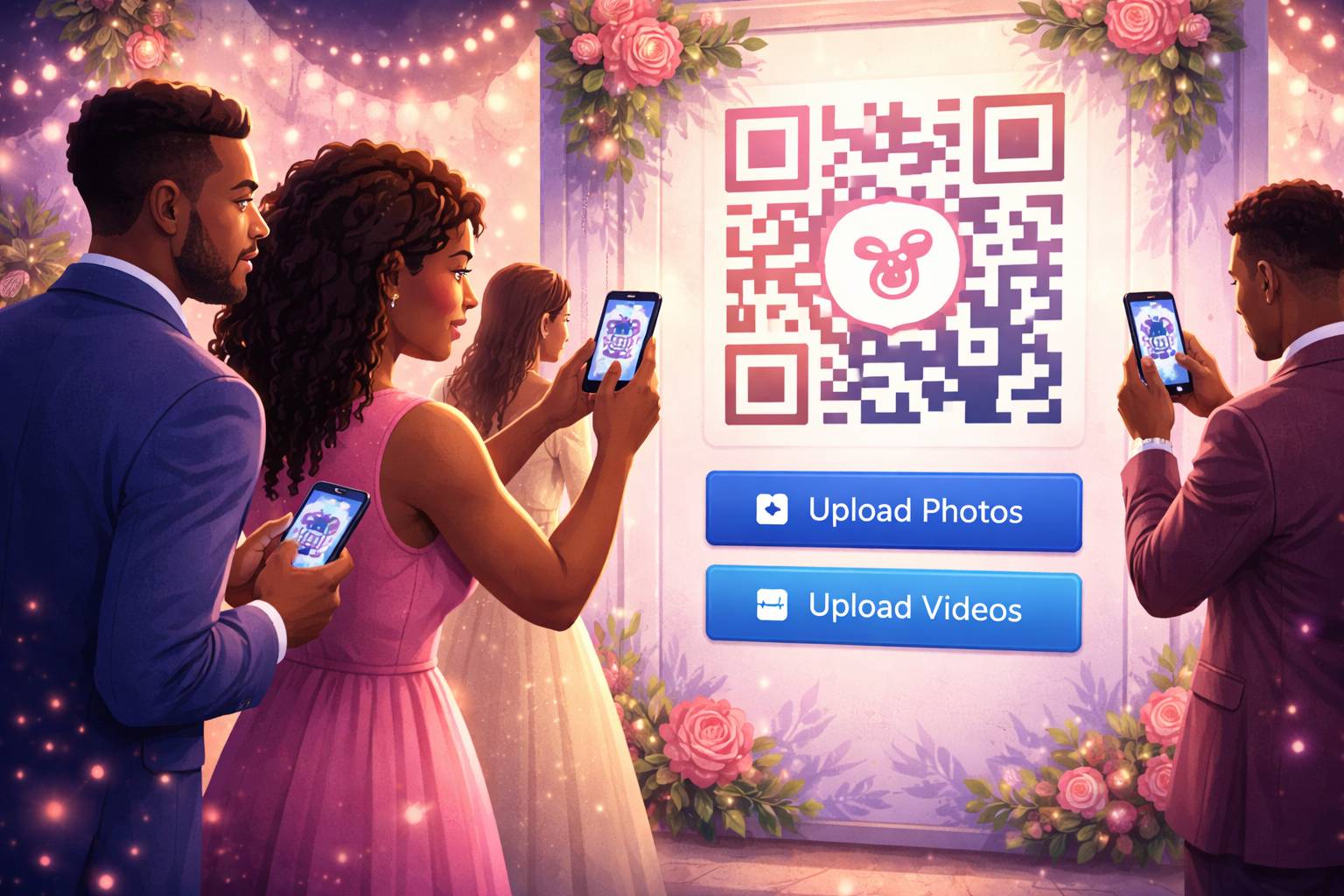
Seamless Photo & Video Uploads
Guests can upload media directly from their phones. No apps required, no complicated steps.
- Bulk upload - Upload multiple files at once
- Auto-compression - Optimized for quick uploads
- All formats supported - JPG, PNG, GIF, MP4, MOV
- Progress tracking - See upload status in real-time
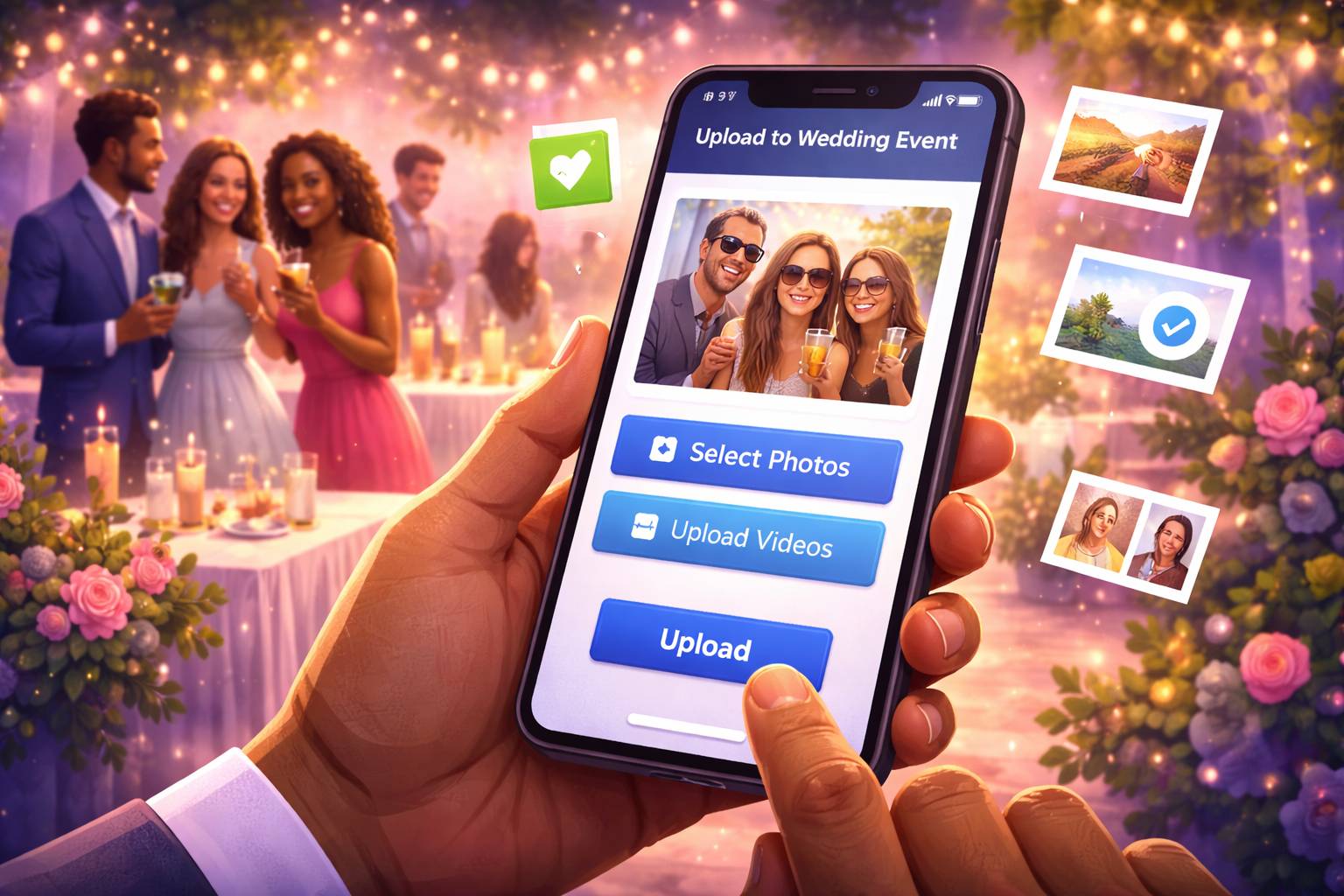
Optional Access Control
Keep your event private with optional access codes. Only guests with the code can upload.
- Custom access codes - Set your own password
- Auto-generated codes - For quick setup
- Time-limited access - Automatically expire after event
- Guest list integration - Upload from your guest list
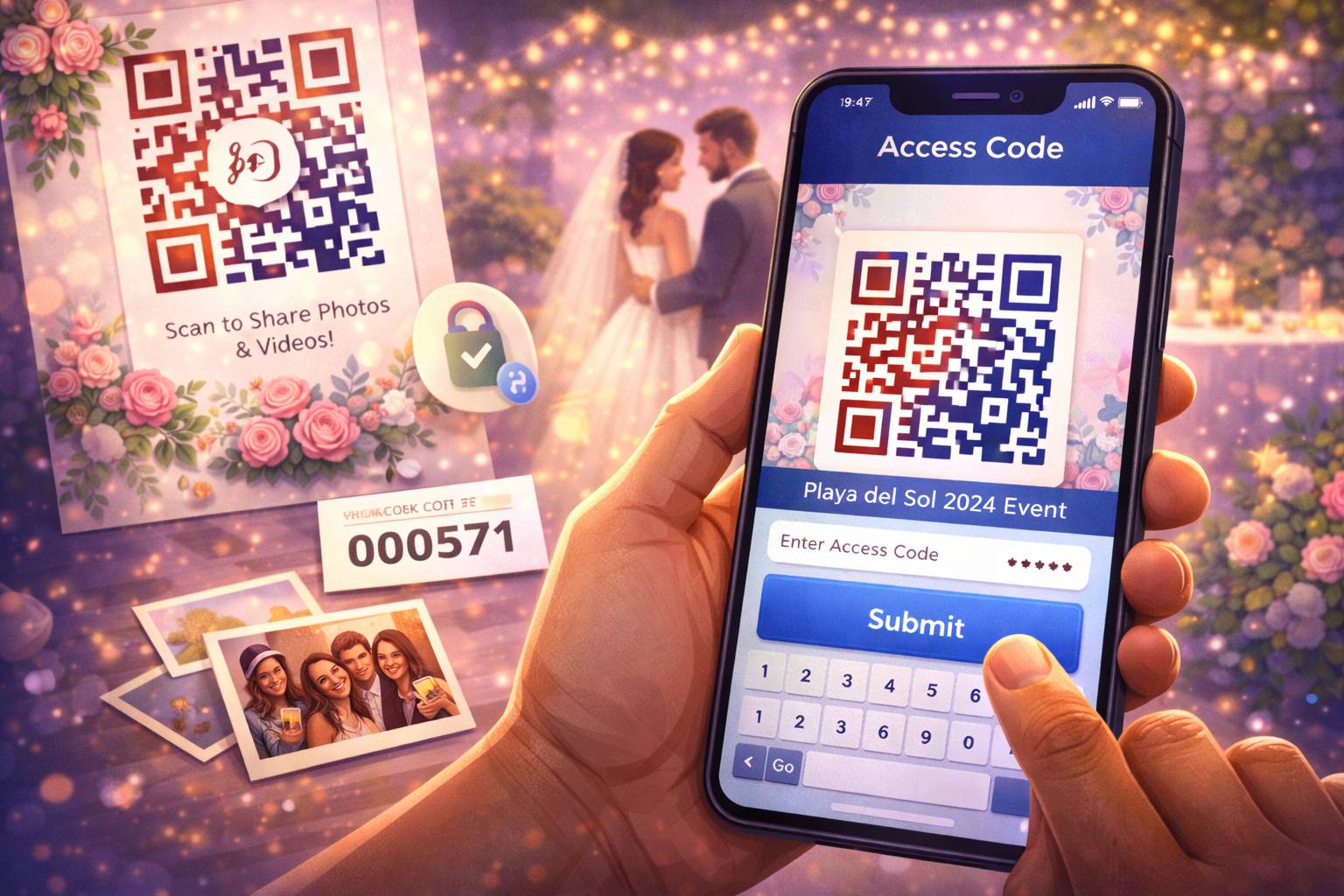
Beautiful Gallery Organization
All uploaded media is automatically organized into a beautiful, searchable gallery.
- Auto-tagging - AI-powered content tagging
- Filter by type - Separate photos and videos
- Search functionality - Find specific moments
- Download options - Single or bulk download
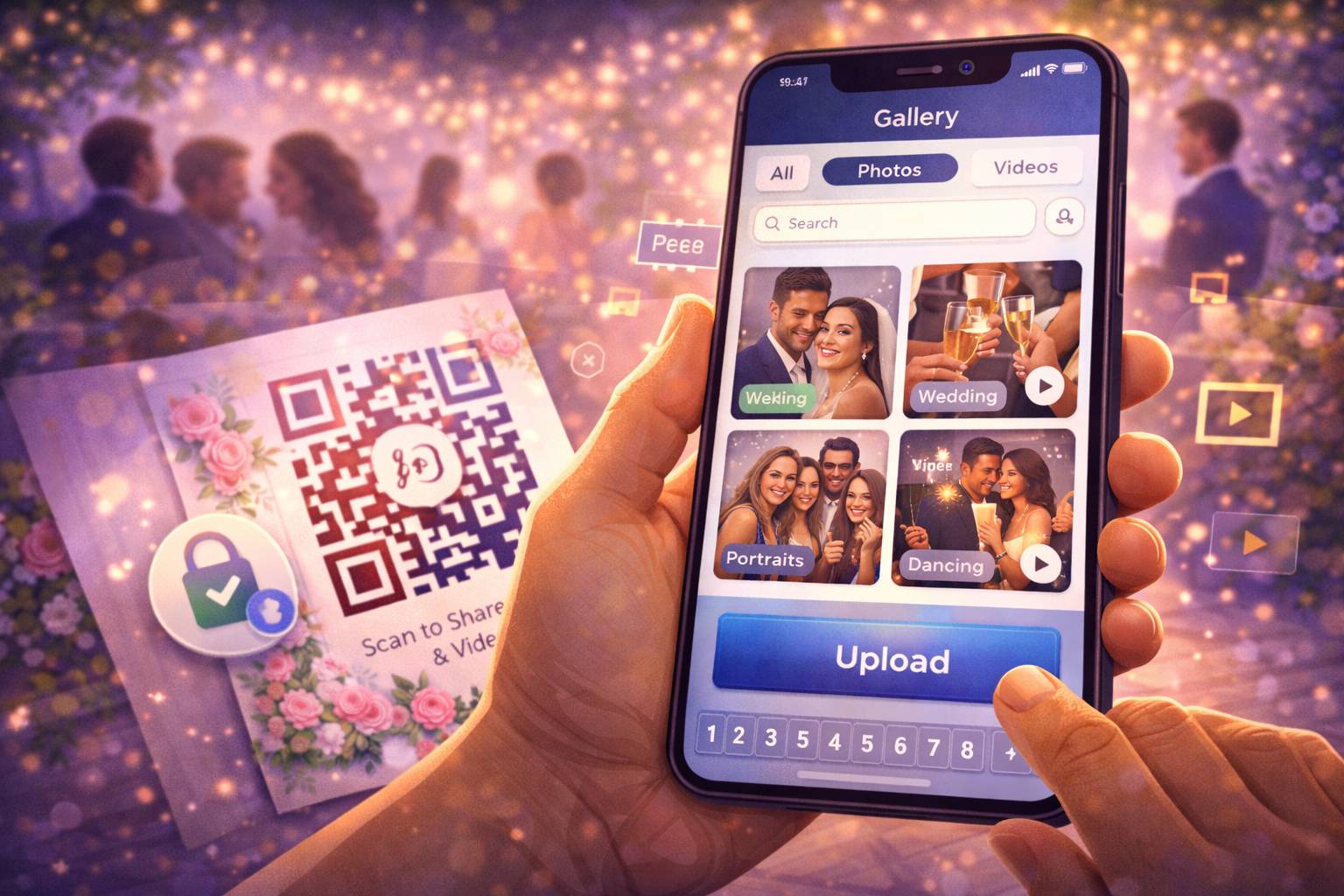
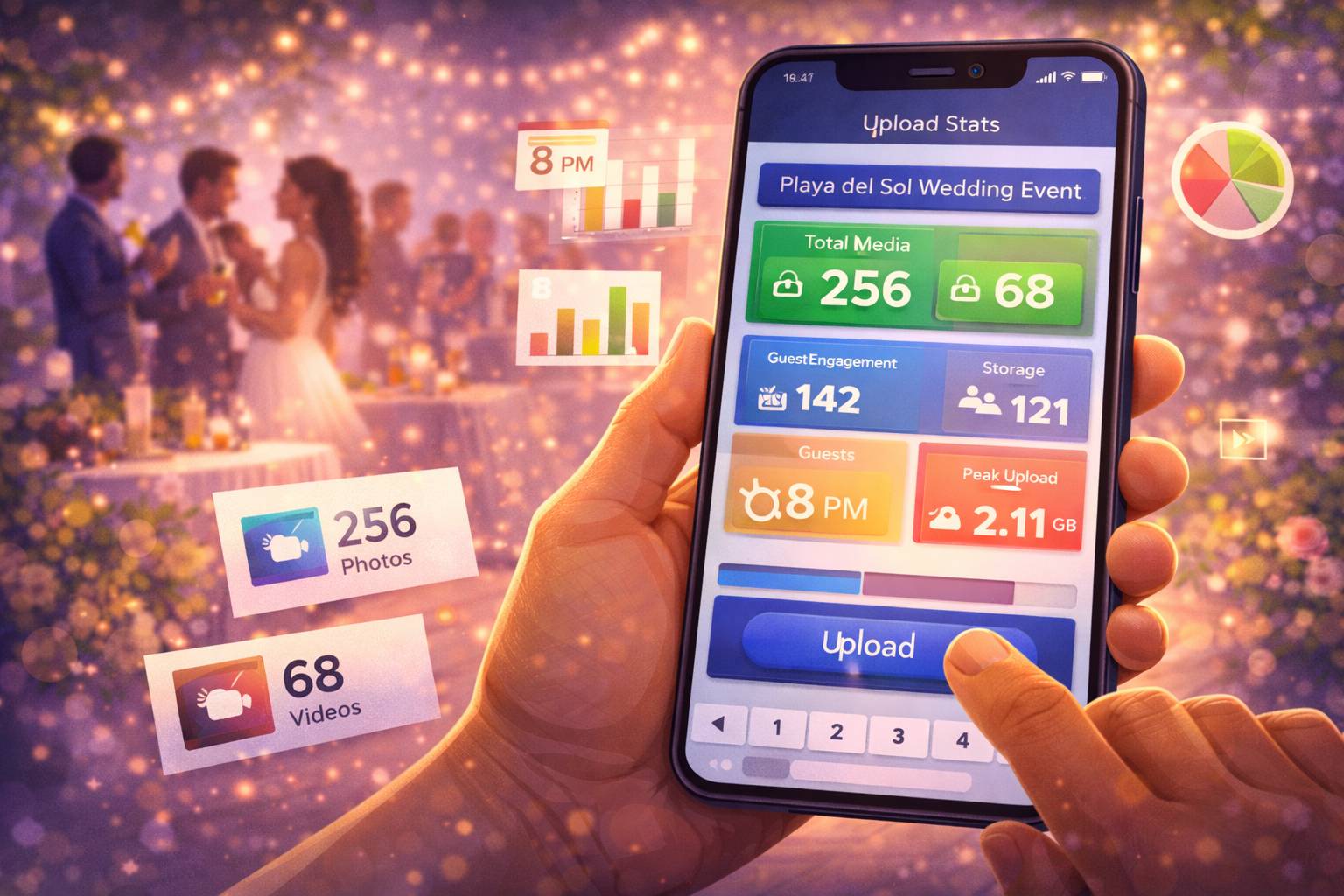
Detailed Event Analytics
Track engagement and get insights about your event's media collection.
- Upload statistics - Number of photos/videos
- Guest engagement - Who uploaded what
- Peak upload times - When guests are most active
- Storage usage - Track your plan limits
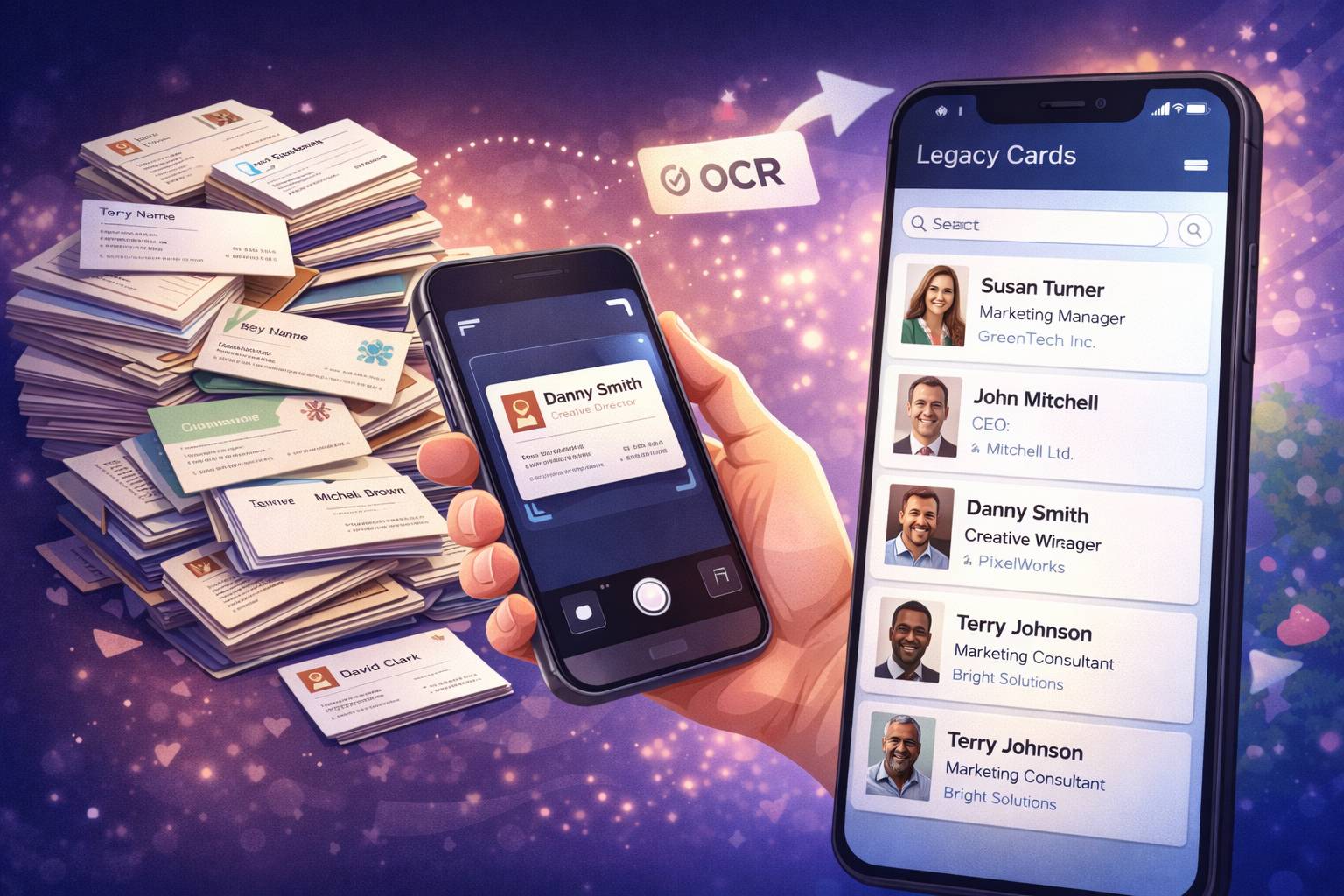
Legacy Card Digitisation
Transform stacks of old business cards into organized, searchable digital contacts. Advanced business intelligence platform for professional networking.
Scan & Digitize
Convert cards to contacts
Structured Data
Organized contact fields
Smart Search
Find anyone instantly
Export Options
CSV, vCard, CRM
- OCR scanning - Extract text from business cards with 98.5% accuracy
- Auto-field detection - Name, company, phone, email, address automatically
- Searchable database - Find contacts instantly with smart search
- Business Intelligence - Network insights, contact categorization, engagement tracking
- Export options - CSV, vCard formats, CRM integration
Compare Plans
Choose the perfect plan for your event needs
| Features | Free | Basic | PRO | Enterprise |
|---|---|---|---|---|
| Events per year | 1 | 5 | 20 | Unlimited |
| Images per event | 50 | 200 | 500 | 1000+ |
| Videos per event | 10 | 50 | 100 | 250+ |
| QR Code customization | ||||
| Access control | ||||
| Legacy Cards | ||||
| Advanced analytics | ||||
| Priority support |
Frequently Asked Questions
Got questions? We've got answers.
How do guests upload photos?
Guests simply scan the QR code or click the upload link you share. They can then select photos/videos from their device and upload directly - no account needed.
What file types are supported?
We support all common image formats (JPG, PNG, GIF) and video formats (MP4, MOV, AVI). Maximum file size is 50MB for videos and 10MB for images.
Can I make my event private?
Yes! You can set an access code that guests must enter before uploading. This ensures only invited guests can contribute to your event.
How long are uploads stored?
Uploads are stored for the duration of your subscription. PRO and Enterprise plans include permanent storage options.
Ready to Get Started?
Create your first event in minutes and start collecting memories.
Create Free Account